1 First steps
Getting started
Install R
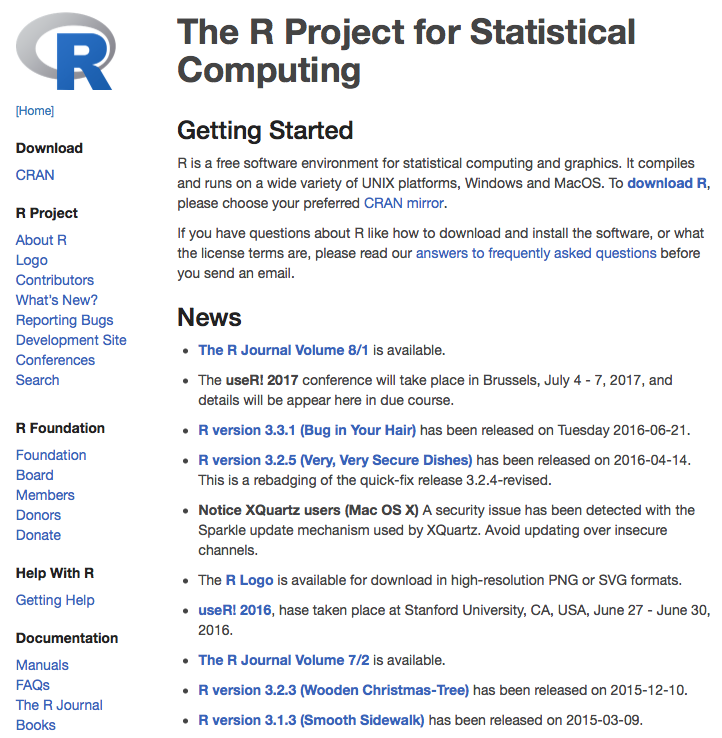
You can download R for Windows and other operating systems from R’s webpage: https://www.r-project.org. To install R on macOS and Linux we recommend reading here: macOS and Linux.
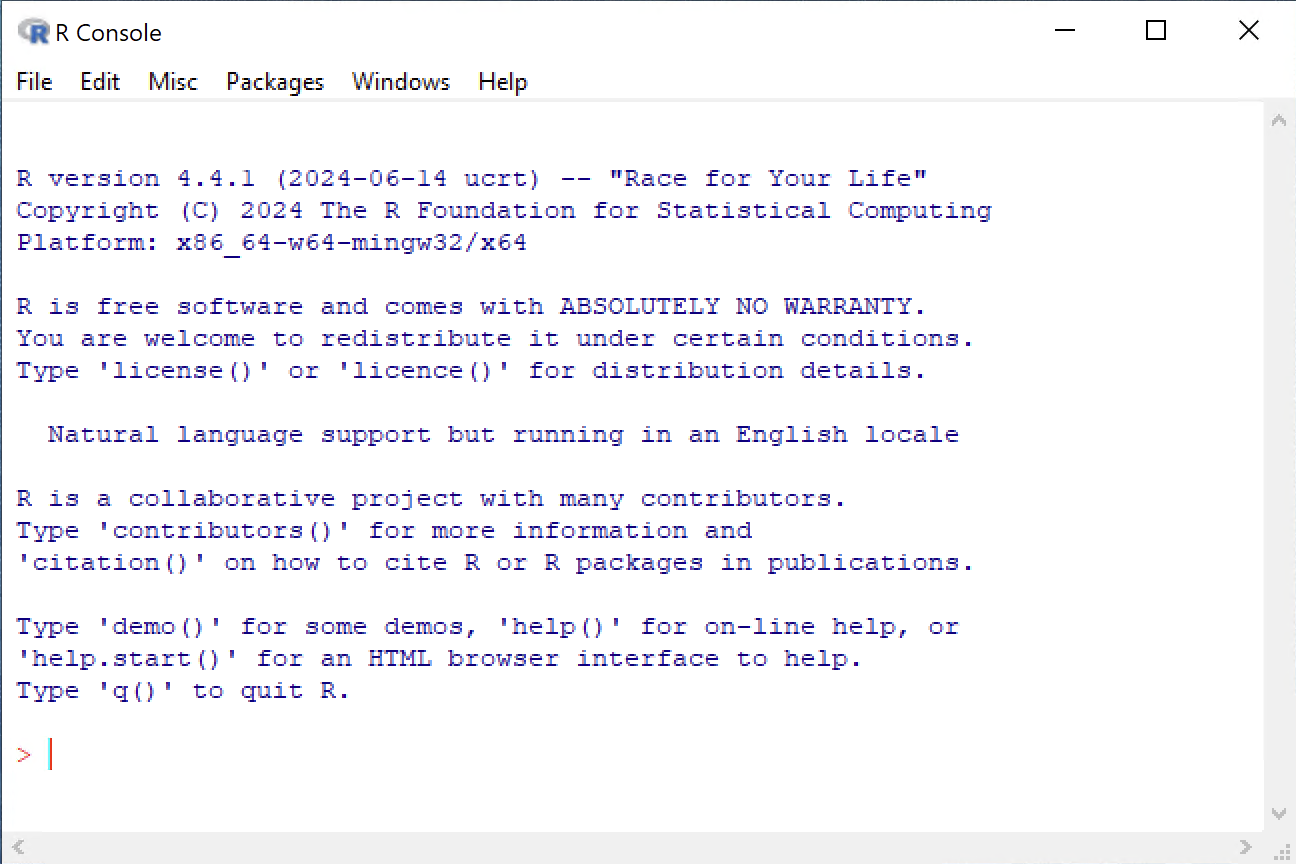
Classical R Interface
RStudio
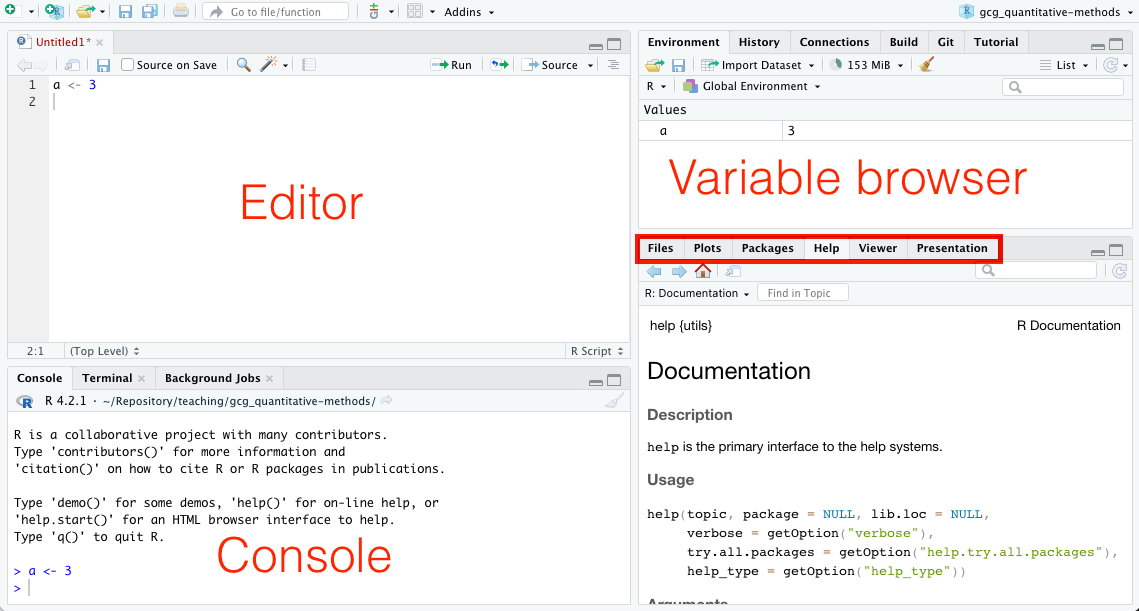
RStudio is an Integrated Development Environment (IDE) that makes writing and interacting with R code easier. You can download RStudio here. Note, RStudio does not contain R. You need to install R and RStudio.
Citing R
citation()To cite R in publications use:
R Core Team (2025). _R: A Language and Environment for Statistical
Computing_. R Foundation for Statistical Computing, Vienna, Austria.
<https://www.R-project.org/>.
A BibTeX entry for LaTeX users is
@Manual{,
title = {R: A Language and Environment for Statistical Computing},
author = {{R Core Team}},
organization = {R Foundation for Statistical Computing},
address = {Vienna, Austria},
year = {2025},
url = {https://www.R-project.org/},
}
We have invested a lot of time and effort in creating R, please cite it
when using it for data analysis. See also 'citation("pkgname")' for
citing R packages.Internet sources
- http://www.r-project.org/
- http://cran.r-project.org/
- https://cran.r-project.org/manuals.html
- https://education.rstudio.com/learn/beginner/
The R language
R is a statistical programming language that lets you:
- write functions
- analyze data
- apply most available statistical techniques
- create simple and complicated graphs
- write your own library functions and algorithms
- process spatial data
- document your research and make it easier to reproduce
Furthermore, R…
- Supported by a large user group (>15,000 Packages)
- Often compared to MatLab and Python
- Open source
- Can be linked to other languages (C, Fortran, Python, Stan, etc.)
The R interpreter
- You need to write instructions (Code)
- R code follows a certain Syntax (Grammar)
- R Code is executed by the R interpreter
- R can interpret code:
- interactively in the Console (command-line)
- saved in a text file (Script) and sent entirely to the R interpreter
- Several IDEs allow sending individual lines or entire scripts to the console
- Many outputs are displayed in the Console
- Graphical outputs are displayed in a separate window
Syntax
- R is an expression language with a very simple syntax
- It is case sensitive, so A and a are different symbols and would refer to different variables
- All alphanumeric symbols are allowed as variable names plus ‘.’ and ‘_’
- However, a name must start with ‘.’ or a letter, and if it starts with ‘.’ the second character must not be a digit
- Names are effectively unlimited in length
Expressions
If an expression is given as a command, it is evaluated, printed (unless specifically made invisible), and the value is lost.
2 + 5[1] 7An assignment also evaluates an expression and passes the value to a variable but the result is not automatically printed. The assignment operator is <- (“less than” and “minus”).
a <- 2 + 5If you enter the name of an existing variable into the console, its content will be printed to the console output.
a[1] 7If you assign a new expression to an already existing variable, this variable will be overwritten.
b <- 5
a <- a + b
a
[1] 12Workspace
The entities that R creates and manipulates are known as objects. These may be variables, arrays of numbers, character strings, and functions. The collection of objects currently stored is called the workspace.
The function ls() can be used to display the names of objects in the workspace:
ls()[1] "a" "b" "q"The function rm() can be used to remove objects from the workspace:
rm(b)
ls()
[1] "a" "q"Help
You can see the help for each R function using ?:
?is.nan()You can even get help for help:
?helpData types
Objects can store different types of data, i.e., not only numbers but also text (character), logical (Boolean), and missing. You can use the function typeof() to identify the data type.
Integer and double
The common numeric data types in R are integer and double. An integer is a whole number (without decimal places). A double is a real number. R treats many numeric values as double by default, so that you do not have to worry about conversion or losing precision when doing integer division.
a <- 7
typeof(a)
[1] "double"You can explicitly define an integer using a capital L.
b <- 7L
typeof(b)
[1] "integer"R automatically converts the result of the following integer division to type double.
typeof(7L/2L)[1] "double"7L/2L[1] 3.5Character
d <- "hello world"
typeof(d)
[1] "character"Combine two or more character variables with paste():
paste("Hello", "World", sep = "_")[1] "Hello_World"Extract a portion of a character variable using substring():
substring("Hello World", first = 3, last = 8)[1] "llo Wo"Logical
The logical data type can have two possible values: TRUE and FALSE. Both can be abbreviated as T and F, respectively.
typeof(TRUE)[1] "logical"Missing values
When an element or value is “not available” or a “missing value” in the statistical sense, a place within a vector may be reserved for it by assigning it the special value NA.
Any operation on an NA results in an NA
3 == NA[1] NATo evaluate if a variable contains a missing value use is.na():
is.na(3)[1] FALSEThere is a second kind of “missing” values which are produced by numerical computation, the so-called Not a Number, NaN, values.
0 / 0[1] NaNis.na() is TRUE both for NA and NaN values. To differentiate these, is.nan() is only TRUE for NaNs.
Type coercion
R includes functions to set or change the data type:
as.character(a)[1] "7"as.integer("3.1")[1] 3as.double("3.1")[1] 3.1Math operators
There are several mathematical operators already implemented in R:
a <- 7
b <- 5
c <- a * b + sqrt(a) - b^2 / log(2) * 1.34 * exp(b)
c
[1] -7135.204The elementary arithmetic operators are the usual +, -, *, / and ^ for raising to a power.
In addition all of the common arithmetic functions are available, e.g.:
sqrt(x): square root of xexp(x): antilog of x (e^x)log(x, n): log to base n of x (default n is e, natural log)log10(x): log to base 10 of xsin(x): sine of x in radianscos(x): cosine of x in radians- …and more
Logical operators
The logical data type can have TRUE and FALSE values (and NA for not available).
The logical data type is a result of evaluating a condition, e.g. by using logical operators:
a == b # is a equal to b ?[1] FALSEa < b # is a less than b ?[1] FALSEa > b # is a greater than b ?[1] TRUEYou can combine logical operators (==, <, <=, >, >=, !=) or conditions with AND (&) or OR (|):
a != b[1] TRUEa != b & a < c[1] FALSEa < b | a < c[1] FALSER packages
A package is a collection of previously programmed functions, often including functions for specific tasks. It is tempting to call this a library, but the R community refers to it as a package.
There are two types of packages: those that come with the base installation of R and packages that you must manually download and install using install.packages("package"). You can load a package with library(package).
One very powerful graphics package is ggplot2.
install.packages("ggplot2")You can keep your packages up to date with the following command:
update.packages()You only need to install a package once, but you need to load it every time you start a new R session!
Namespace
Sometimes functions from different packages have a common name (e.g., select() in the raster and dplyr packages). We therefore need to tell R which function it should use by defining the namespace for the function:
raster::select()
dplyr::select()
Comments
Comments can be put almost anywhere, starting with a hashmark (
#).Everything to the end of the line is a comment.